
Are you encountering an error when updating from CoCon 6.6 to CoCon 6.9? Please refer to your use case below and follow the corresponding procedure.
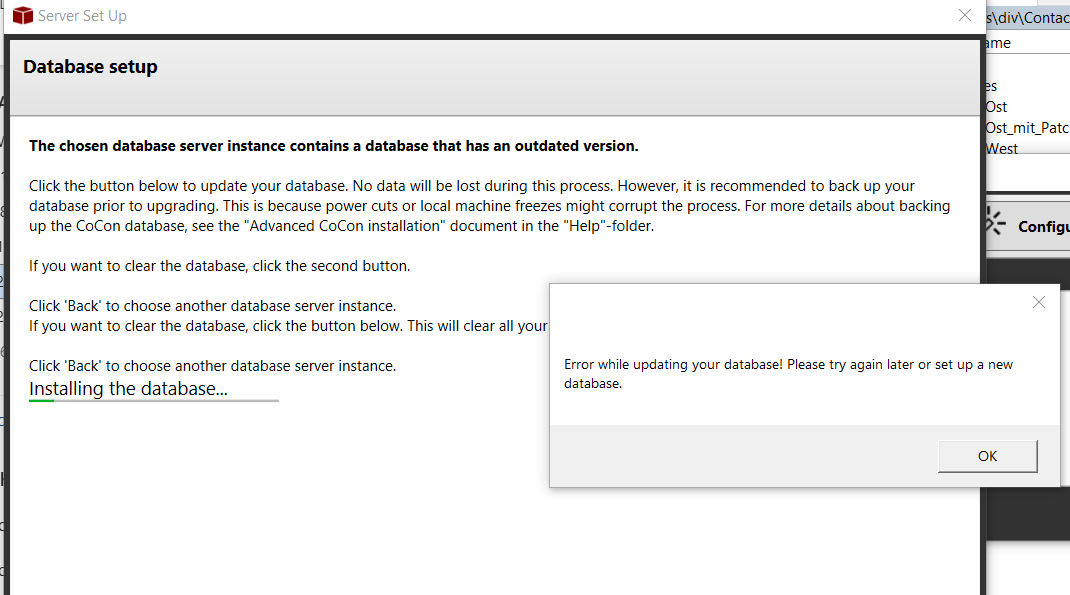
If you are using CoCon 6.5 or lower:
- Visit Televic’s Software Updates page and upgrade to CoCon 6.6.0.30.
- Run through the CoCon Room Server wizard and update the database.
- Shut down the CoCon system, download the script here, and run it. You are now at version 6.7.0.14.
- Upgrade to CoCon 6.7 or higher.
If you are using CoCon 6.6.0.30:
- Shut down the CoCon system, download the script here, and run it. You are now at version 6.7.0.14.
- Upgrade to CoCon 6.7 or higher.
If you are using CoCon 6.7:
You do NOT need to run the script. Follow the general process through the CoCon Room Server wizard.
✅ As of CoCon 6.12, the database conversion will be included in the CoCon Installer.